

Video Editing Course in Hubli
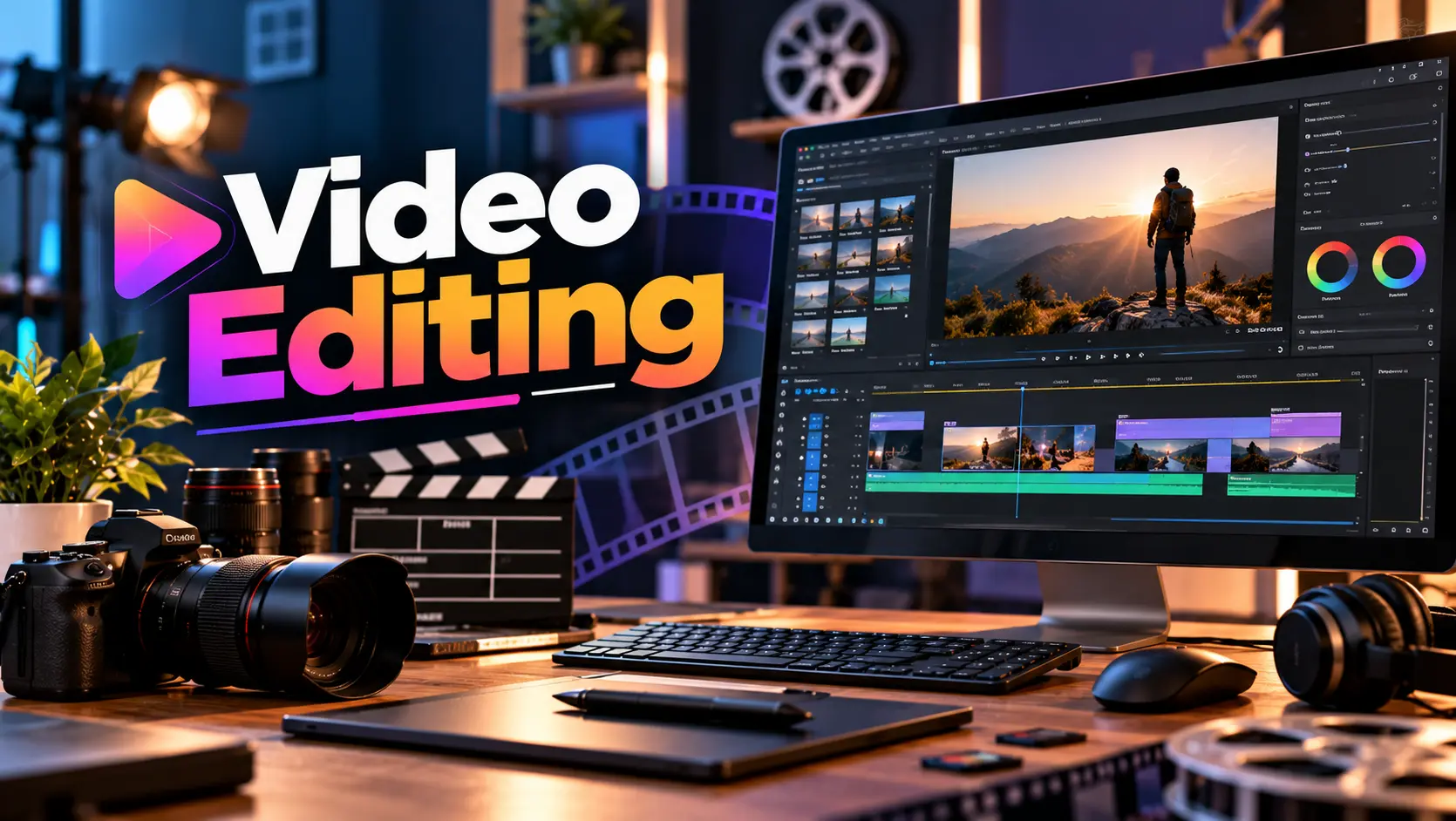
Course Syllabus
- Introduction to Video Editing
- Understanding Video Formats & Settings
- Adobe Premiere Pro (Complete Editing)
- Adobe After Effects (Motion Graphics)
- DaVinci Resolve (Professional Editing)
- CapCut (Mobile & PC Editing)
- Filmora Essentials
- Video Cutting, Trimming & Transitions
- Color Grading & Color Correction
- Freelancing Guidance & Interview Preparation
- Sound Editing & Audio Mixing
- Text Animation & Title Creation
- Visual Effects (VFX) Basics
- Motion Graphics & Animation
- Green Screen (Chroma Key) Editing
- Reels, Shorts & Social Media Content Creation
- Export Settings for YouTube, Instagram, Facebook
- Real-Time Projects & Portfolio Creation
Why Choose GIT IT Academy?
- 100% Practical Training
- Experienced & Industry Experts
- Real-time Projects & Case Studies
- Use of Latest Software & Tools
- Course Certification
- Placement Assistance
- Flexible Batch Timings
Career Opportunities
- Video Editor (Film/TV/OTT)
- YouTube Video Editor
- Social Media Content Creator
- Reels & Shorts Editor
- Motion Graphics Designer
- VFX Artist (Entry Level)
- Wedding Video Editor
- Ad Film Editor
- Corporate Video Editor
- Freelancer / Self-Employed
- Thumbnail Designer
- Color Grading Specialist
- Content Creator
- Media Production Assistant
- Work from Home Opportunities
Who Can Join?
- Students (Any Graduate / 10+2)
- Working Professionals
- Freelancers
- YouTube Creators & Influencers
- Business Owners / Entrepreneurs
- Anyone interested in Video Editing and Content Creation
Frequently Asked Questions
The course introduces video editing basics such as arranging clips, trimming footage, titles, and improving video flow. Contact GIT IT Academy for the latest syllabus and topic sequence.
Beginners can enquire about joining. The recommended starting level may depend on your current skills; basic computer familiarity can be helpful.
The course is intended to build usable skills through learning and practice. Ask the academy what exercises or projects are included in the current batch.
These skills can be relevant to short-form social media, presentation, and digital video projects. Career opportunities depend on your experience, education, and further practice.
Duration and fees may vary by batch. Contact GIT IT Academy for the latest fee, schedule, and course details.
Contact GIT IT Academy to check the next batch and admission process. The team can also help you confirm whether this course matches your learning goals.
Want to talk to your course counsellor?
Share your details for our team to call you back
Course Duration
- 45 Days
Other Related Courses
-
Hardware & Networking Foundation Course
-
Master Ethical Hacking
-
Video Editing Course in Hubli
-
AI Tools Course in Hubli
-
Figma Course in Hubli
-
Photoshop Course in Hubli
-
Graphic Design Course in Hubli
-
GST Course in Hubli
-
SQL Course in Hubli
-
Power BI Course in Hubli
-
Java Programming Course in Hubli
-
SAP FICO Course in Hubli
-
Business Analyst Course in Hubli
-
C Programming Course in Hubli
-
Computer Course in Hubli
-
MS Office Course in Hubli
-
AutoCAD Course in Hubli
-
Spoken English & Communication Course in Hubli
-
Digital Marketing Course in Hubli
-
Tally Prime Course in Hubli
-
Python Programming Course in Hubli
-
Advanced Excel Course in Hubli
+91 9741560586
Need Information?